Hardware
What is the key under the base frontal cover for?
The key under the base frontal cover powers the electronics of the robot. If not turned as indicated below in Figure 1 the power of the battery does not reach any of the boards of the robot and, in particular, it cannot be powered up.
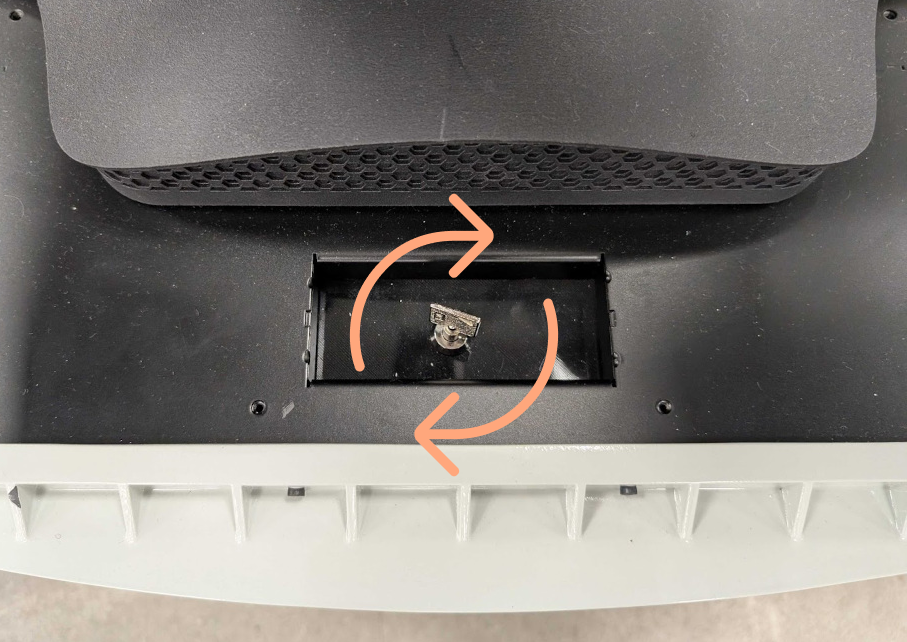 Figure 1: TIAGo Pro Front Key.
Should I always turn the key off every time I stop TIAGo Pro?
No, it is not needed. Yet sometimes it is recommended to do a full robot reboot, including the electronics. This is, to stop the robot with the green button on the back of the robot and then turn the key off and then start the robot over again.