The Boards App - Homepage
The Boards App is the homepage of the WebGUI. This app allows the user to create and configure their own boards to monitor and teleoperate the robot. Those boards are highly customizable, which allows for a wide range of options to adapt to the user preferences at any given time.
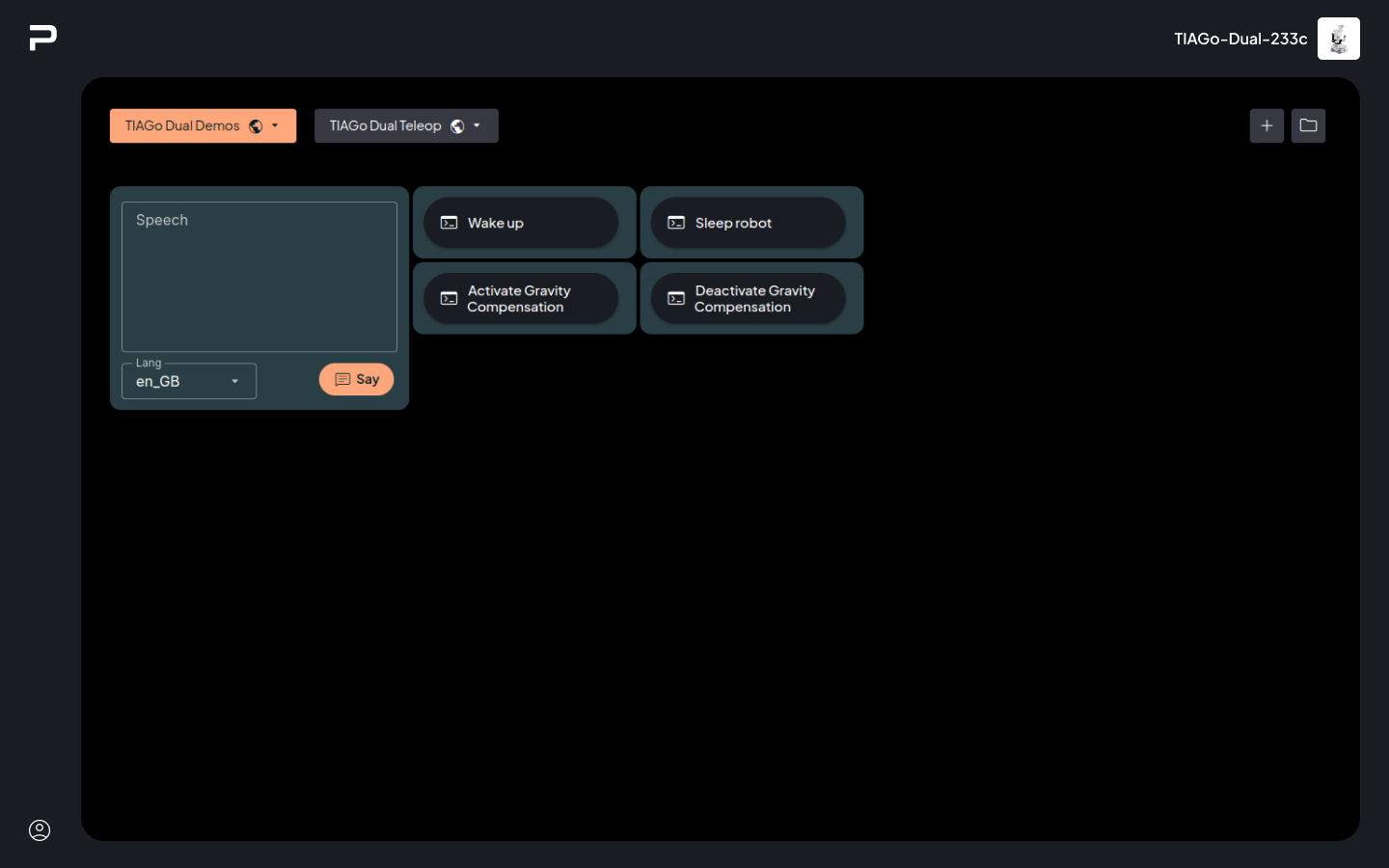
Figure 1: Homepage board
At the top of the app there is a row of boards tabs for each visible board. The tab/button shows the name of the board, as well as an icon to differentiate between public  and private boards. In addition, all the board tabs have a context menu for Board management.
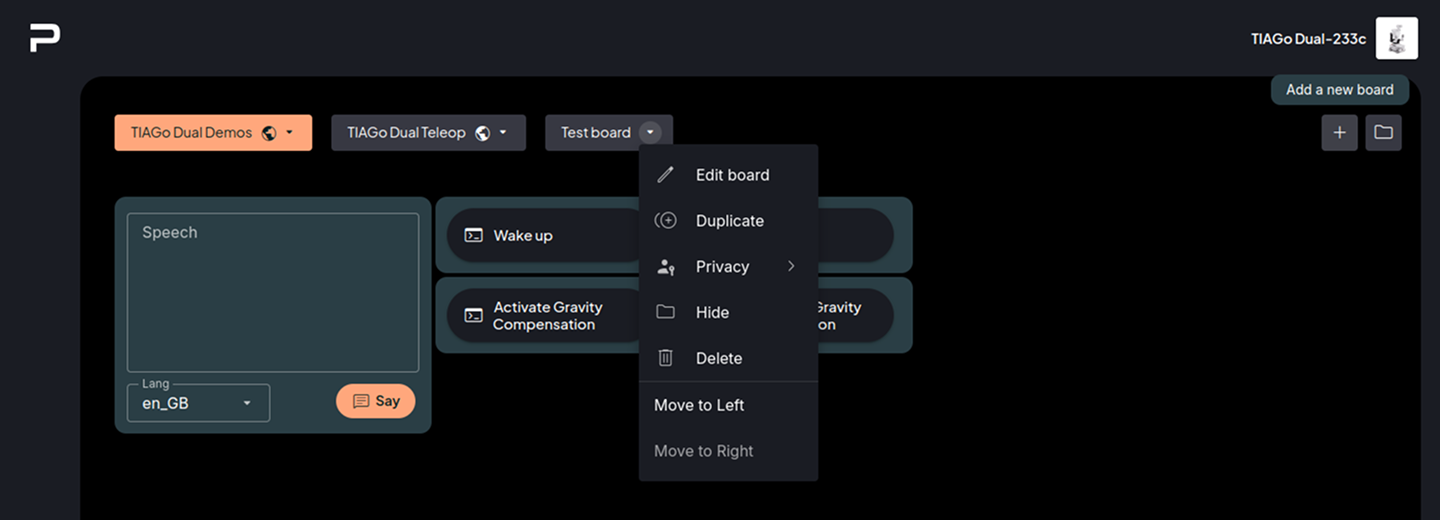
Figure 2: Homepage board context menu
On the top right side of the app there are two buttons, an Add a new board button, and a Hidden boards button, which shows a list of boards that are currently hidden.
The Add a new board button opens a small menu with two options:
-
Create board: creates a new, empty board and enters edit mode. -
Import boards: imports one or more boards from JSON files (see Import / Export boards).
The rest of the space is dedicated to the current board. In it the configured widgets are shown and can be interacted with.