Gazebo simulation
The default simulator for TIAGo Pro is the Gazebo simulator, that offers a realistic 3D environment for simulating and testing our robots.
To start TIAGo Pro with the Gazebo simulation, start your PAL Developer docker image and run the following command
source /opt/pal/alum/setup.bash
ros2 launch tiago_pro_gazebo tiago_pro_gazebo.launch.py world_name:=empty
This launches the simulation of TIAGo Pro with the default parameters, see Fig. 1
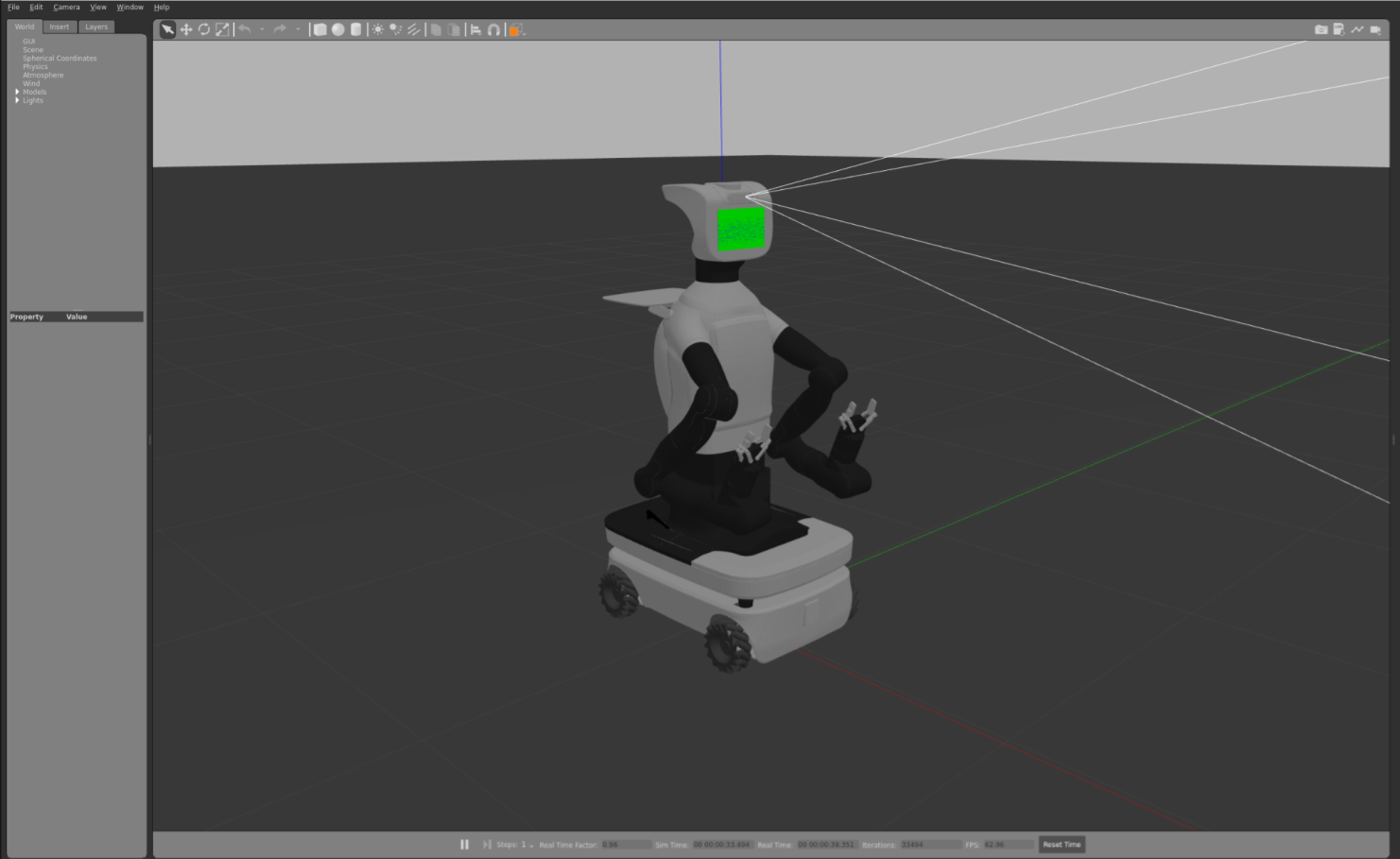
Figure 1: TIAGo Pro Simulation in Gazebo
Your robot simulation
If you own a TIAGo Pro and you want to launch the simulation for your specific robot configuration using the PAL Developer docker, you should use your TIAGo Pro simulation package. Run, instead
source /opt/pal/alum/setup.bash
ros2 launch tiago_pro_<SN>_gazebo tiago_pro_gazebo.launch.py world_name:=empty
Where <SN> is the Serial Number of your robot.
This also applies for the following sections of this guide.
Autonomous Navigation simulation
To start the Navigation functionalities with the Gazebo simulation, run the following command in your PAL Developer docker image
source /opt/pal/alum/setup.bash
ros2 launch tiago_pro_gazebo tiago_pro_gazebo.launch.py navigation:=True
This starts the Autonomous Navigation along with the Localization and Rviz to interact with the robot. While in localization mode, the robot will use a map of the environment to localize itself and navigate autonomously. The pal_maps package offers several maps that can be loaded in Gazebo.
Navigation in a known world
To navigate and localize in the small_office world, use the command
source /opt/pal/alum/setup.bash
ros2 launch tiago_pro_gazebo tiago_pro_gazebo.launch.py navigation:=True world_name:=small_office
And then change the current map with the command
ros2 service call /map_server/load_map nav2_msgs/srv/LoadMap "map_url: '/opt/pal/alum/share/pal_maps/maps/small/office/map.yaml'"
The localization will use the small_office map.
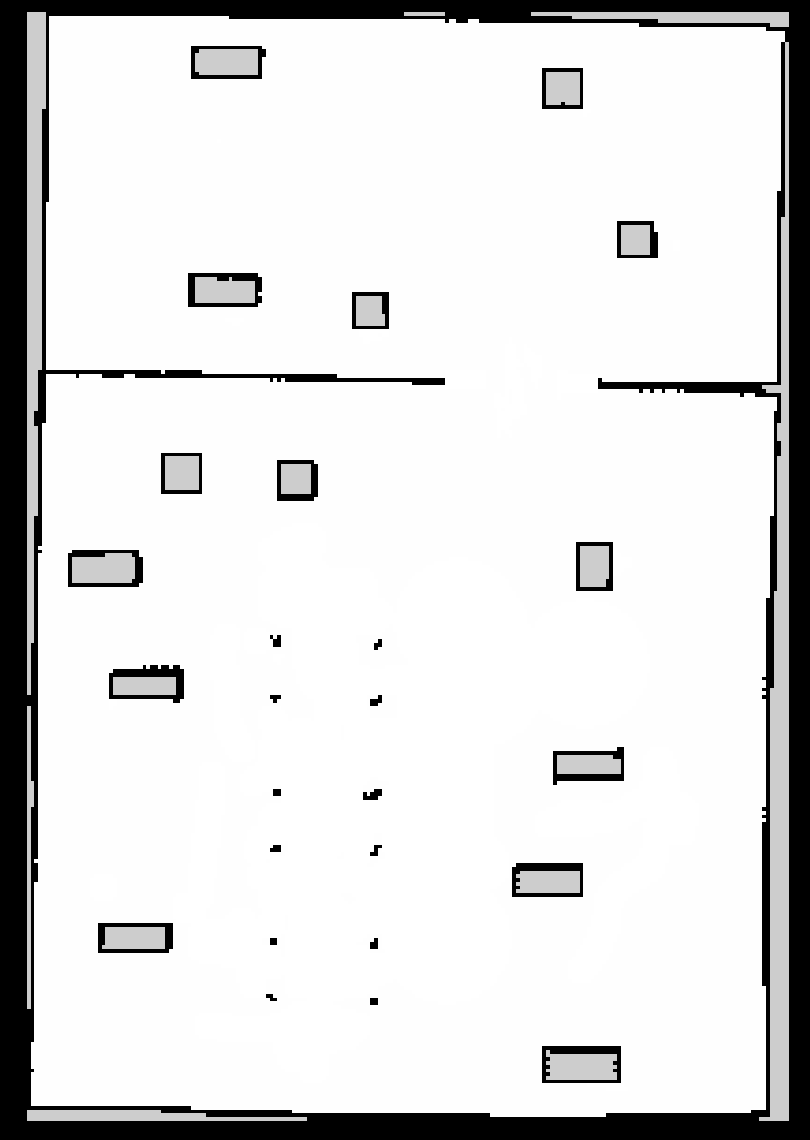
Figure 2: Small office map
Navigation with SLAM
If instead you want to start the autonomous navigation with the mapping to create a new map of a simulated environment, do
source /opt/pal/alum/setup.bash
ros2 launch tiago_pro_gazebo tiago_pro_gazebo.launch.py navigation:=True slam:=True